 Moat
Moat
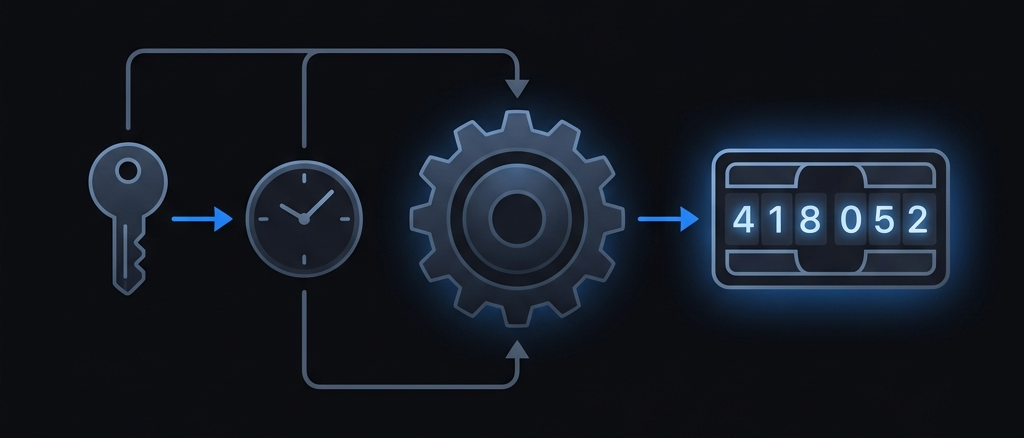
✦ Key takeaways
- ✓ TOTP turns a shared secret and the current time into a short code — no network call needed.
- ✓ Both your phone and the server run the same calculation, so they arrive at the same number independently.
- ✓ The secret never travels with the code, and codes expire in ~30 seconds, which is what makes them safe to type.
- ✓ TOTP is just HOTP with time as the counter — both are open standards (RFC 6238 and RFC 4226).
It starts with a shared secret
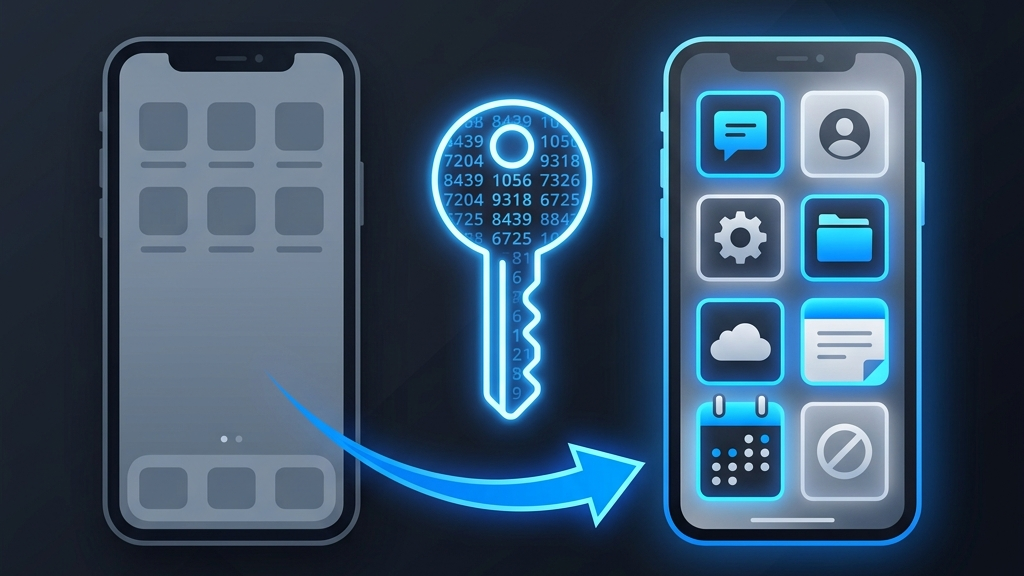
When you scan a QR code to set up two-factor authentication, you're not downloading anything magical — you're copying a shared secret: a random string of bytes that only you and the service now know. That QR code is usually an otpauth:// link that looks roughly like this:
otpauth://totp/GitHub:alex?secret=JBSWY3DPEHPK3PXP&issuer=GitHub&period=30&digits=6The secret is the important part. It's stored on the service's side, and your authenticator stores its own copy. From this point on, no secret ever needs to leave either device again. Everything else — the code you type every login — is derived from this one value.
Time is the moving part
If the code came from the secret alone, it would never change — and a stolen screenshot would work forever. TOTP fixes this by mixing in something that constantly moves: the current time.
Specifically, TOTP counts how many 30-second intervals have elapsed since the Unix epoch (midnight UTC, Jan 1 1970). That count is called the time step:
T = floor( (current Unix time) / 30 )Because clocks the world over agree on Unix time, your phone and the server compute the same T within the same 30-second window — without ever exchanging a message. That shared, ever-incrementing number is the engine behind the whole scheme.
The HMAC step: combining secret and time
Now we have two ingredients: the secret and the time step T. TOTP feeds them into a keyed hash function called HMAC (Hash-based Message Authentication Code), using the secret as the key:
hash = HMAC-SHA1( key = secret, message = T )HMAC produces a 20-byte value that looks completely random and is irreversible: you cannot work backwards from the hash to recover the secret. Change the secret or the time even slightly and the output is totally different. This is the property that makes the code unforgeable without the secret.
SHA-1 inside HMAC is still considered safe here. The known weaknesses of SHA-1 are about collisions, which don't apply to HMAC's use of it — which is why RFC 6238 still specifies it as the default.
From a 20-byte hash to 6 friendly digits
Nobody wants to type 20 bytes. The final step, called dynamic truncation, squeezes that hash down into a short number:
- Look at the last 4 bits of the hash — that's a number from 0 to 15, used as an offset.
- Read 4 bytes starting at that offset and turn them into a 31-bit integer.
- Take that integer
mod 1,000,000to get a number between 0 and 999999. - Pad with leading zeros to a fixed length — usually 6 digits.
The result is the code you see in your app. Picking the starting byte from the hash itself is a small but clever touch: it means an attacker can't predict which slice of the hash matters.
Why six digits? Six digits give a million possibilities. Paired with a ~30-second lifetime and server-side rate limiting, guessing becomes hopeless — yet it's still short enough to type comfortably. You can configure 7 or 8 digits for extra strength.
The 30-second window and clock drift
Codes are valid for one time step — about 30 seconds. But what if your phone's clock is a few seconds off from the server's? To stay forgiving, most servers also accept the codes from the immediately neighbouring windows (the previous and next steps). That tolerance — usually ±1 step — quietly absorbs small amounts of clock drift so legitimate logins don't fail.
This is also why, if your codes are constantly rejected, the fix is almost always to correct your device's date & time settings — set them to update automatically and the problem disappears.
TOTP vs HOTP: same idea, different counter
TOTP has an older sibling, HOTP (HMAC-based One-Time Password, RFC 4226). The algorithm is identical — secret plus a counter, run through HMAC, then truncated. The only difference is what the counter is:
- HOTP uses an event counter that increments by one each time you generate a code. The code only changes when you ask for a new one.
- TOTP uses time as the counter, so codes change automatically every 30 seconds.
TOTP is far more common today because there's nothing to keep in sync except the clock. HOTP still shows up in hardware tokens and a few specialised setups. Moat supports both.
What TOTP protects against — and what it doesn't
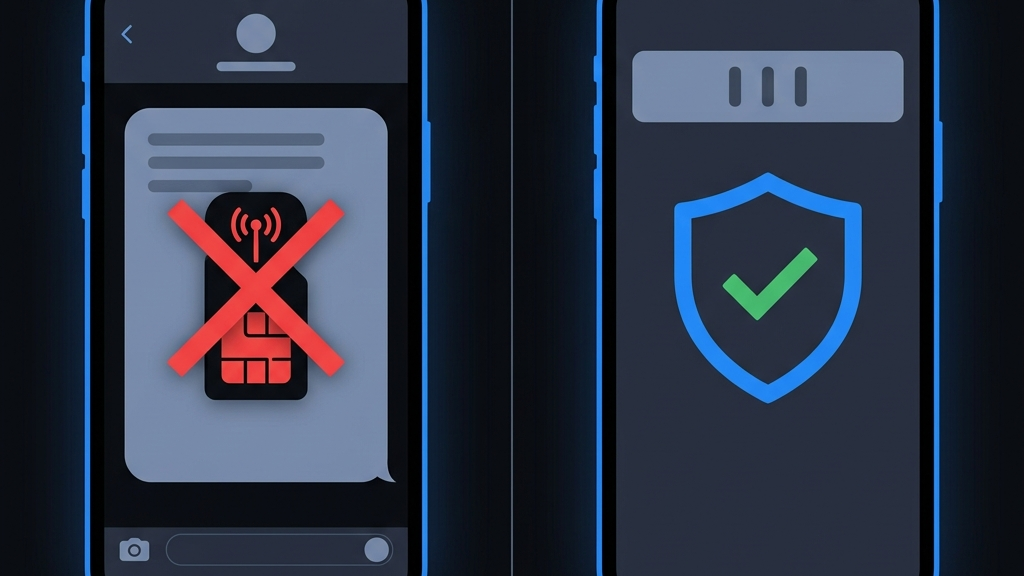
TOTP's superpower is that the second factor is generated offline and changes constantly. Even if your password leaks, an attacker still needs a code that only your device can produce right now. That defeats the most common attack: credential stuffing with passwords from old breaches.
What it does not defend against is a convincing real-time phishing page that tricks you into typing both your password and a live code into a fake site. The defence there is vigilance (check the domain) and, for the highest assurance, phishing-resistant methods like passkeys. TOTP remains an enormous upgrade over SMS codes and password-only logins, and it works with virtually every service on earth.
How Moat handles your secrets
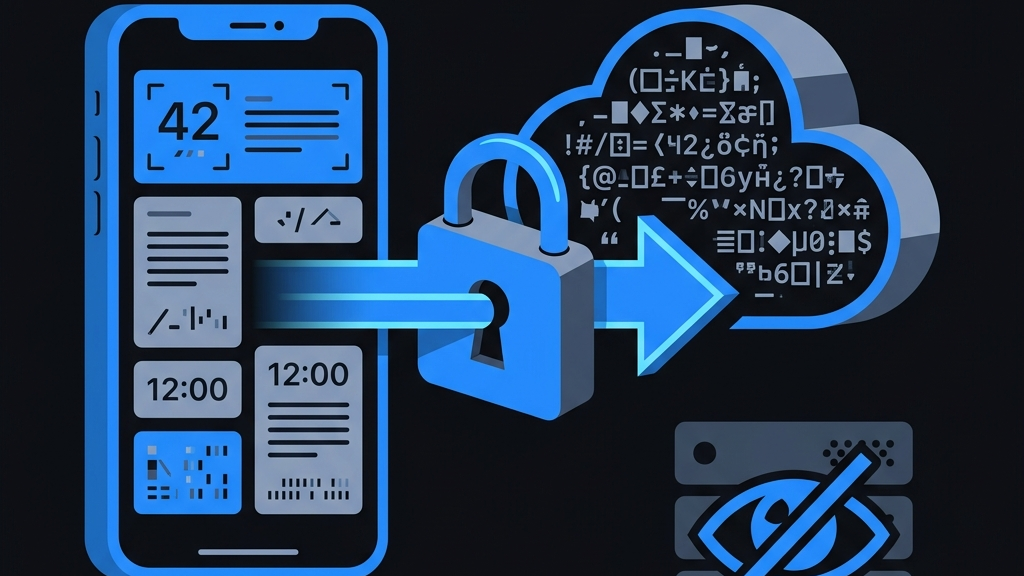
All of this math runs entirely on your device. Moat stores each shared secret in the iOS Keychain, protected by device encryption, and computes codes locally — no internet connection required. If you turn on backup, your secrets are end-to-end encrypted before they ever leave your phone, so even we can't read them. That's the whole point: the secret is the crown jewel, and it should never be visible to anyone but you.