 Moat
Moat
✦ Key takeaways
- ✓ Preparation is everything: turn on encrypted backup and store your recovery key safely now.
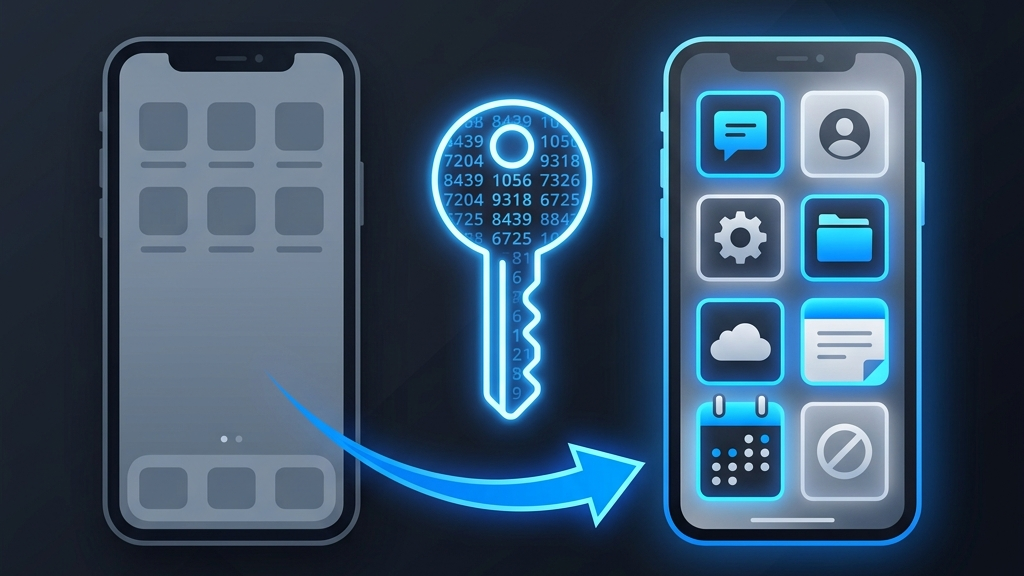
- ✓ With a backup, recovery is: install the app → restore → enter your recovery key.
- ✓ Without one, you'll fall back to each service's account-recovery process — slower, but rarely hopeless.
- ✓ Keep printed backup codes from your most important accounts in a safe place.
Before anything happens: prepare
Five minutes today saves hours later. Do these once and you're protected against a lost, stolen, or broken phone.
1. Turn on encrypted backup
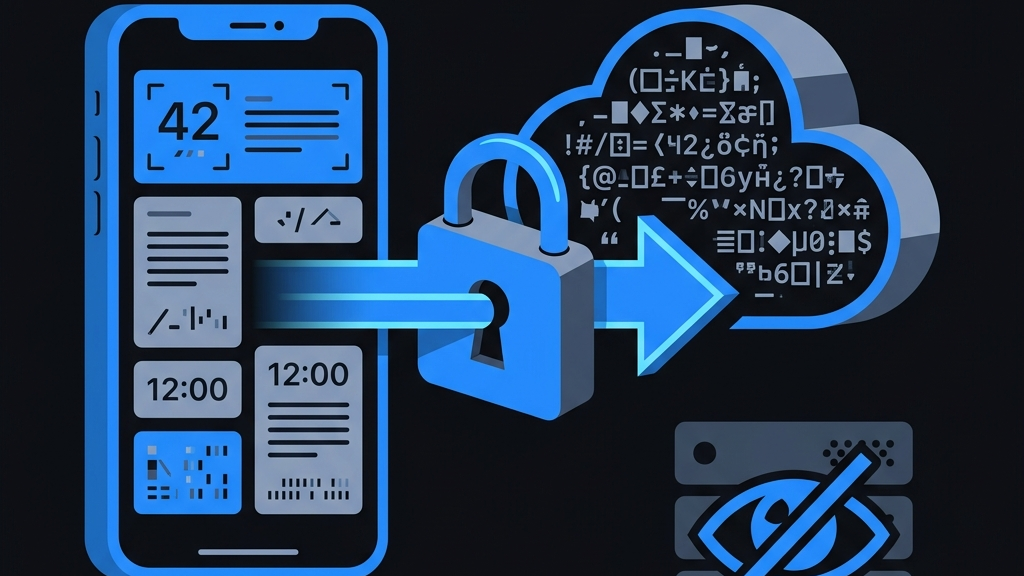
In Moat, enable end-to-end encrypted backup. Your secrets are encrypted on your device and synced as ciphertext, so a new phone can restore everything. You stay in control: the key to that backup is your recovery key, which never leaves your device.
2. Save your recovery key somewhere safe
This is the one thing only you can keep. Write it down and store it offline — a home safe, a sealed envelope, or a trusted password manager. Don't email it to yourself or leave it in a screenshot in your camera roll.
Because Moat is zero-knowledge, we cannot recover your backup for you. The recovery key is the trade-off that keeps your data truly private — guard it accordingly.
3. Grab each service's backup codes
Most major services (Google, GitHub, Apple, and others) offer a set of one-time backup codes when you enable 2FA. Download or print them and keep them with your recovery key. They're a second safety net if all else fails.
A note on “transfer” features. When you get a new phone, transferring your data through your device's normal setup migration also brings your authenticator across. Backup simply means you're covered even when there's no old phone to transfer from.
If your phone is gone: recover
You had encrypted backup turned on
- Install Moat on your new (or restored) device.
- Choose Restore from backup and enter your recovery key.
- Your accounts reappear, and your codes start generating again immediately.
That's the whole process. Nothing was ever readable in the cloud, but with your key the encrypted blob decrypts straight back onto your device.
You did not have a backup
Don't panic — you're not necessarily locked out. Work through your accounts in priority order (email first, since it often unlocks the others):
- Use backup codes if you saved any — they bypass the need for a live code.
- Sign in from a trusted device that's already logged in, then disable and re-enroll 2FA from there.
- Start each service's account-recovery flow. This usually involves verifying your identity another way and can take anywhere from minutes to a few days.
- Once you're back in, immediately set up your authenticator again — and this time turn on backup.
If your phone was stolen (not just lost)
Your codes are protected by Face ID and your device passcode, so a thief can't simply open the app. Still, take the belt-and-braces steps: mark the device as lost to wipe it remotely, and re-enroll 2FA on your highest-value accounts from a new device so any old secrets are retired.
The takeaway
Losing a phone is stressful enough. With encrypted backup and a safely stored recovery key, your two-factor codes become a non-issue — restore and move on. Set it up before you need it, and the worst-case scenario turns into a five-minute errand.